Everything in First Six
An app for students that starts in their first weeks and stays with them after, a console for the staff who support them, and the platform underneath, everything under your university's name.
For students
Their week, a quick check-in, a way to ask for help and a place to plan, in one app on the phone they already carry.
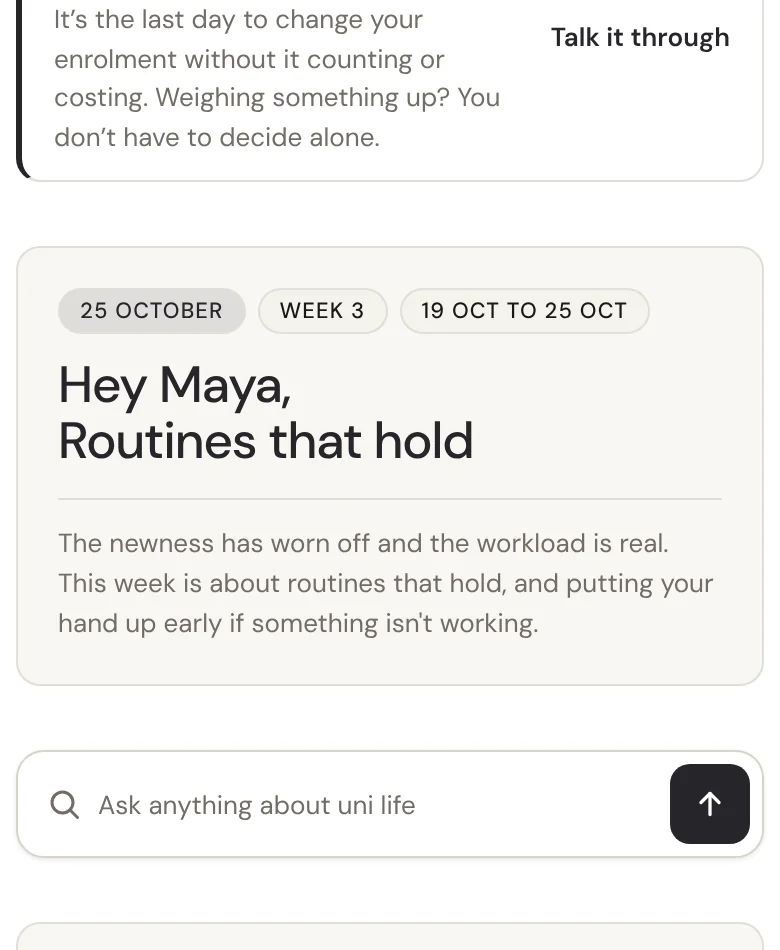
Weekly briefings
One short page a week on what matters now, written by your team.Wellbeing check-ins
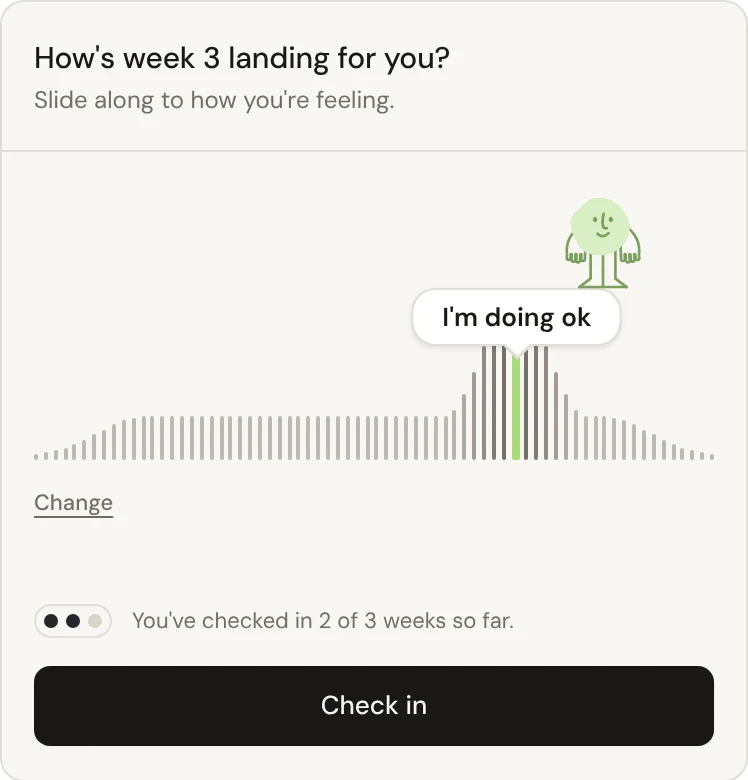
One question a week, so students can tell you early when things get hard.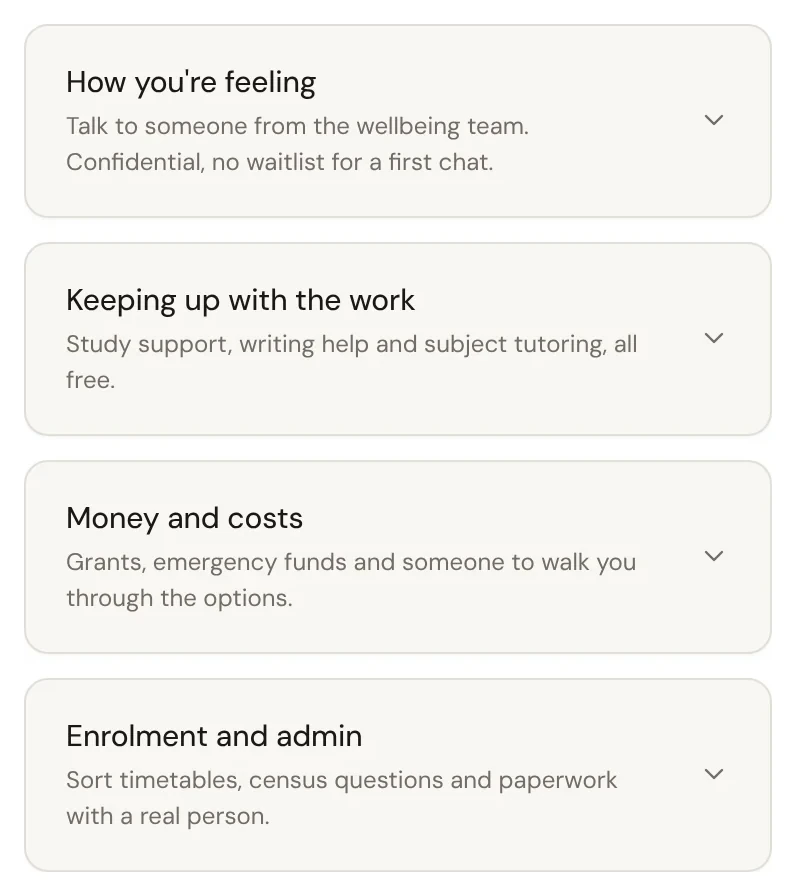
Help inbox
Students ask in their own words, and your staff answer.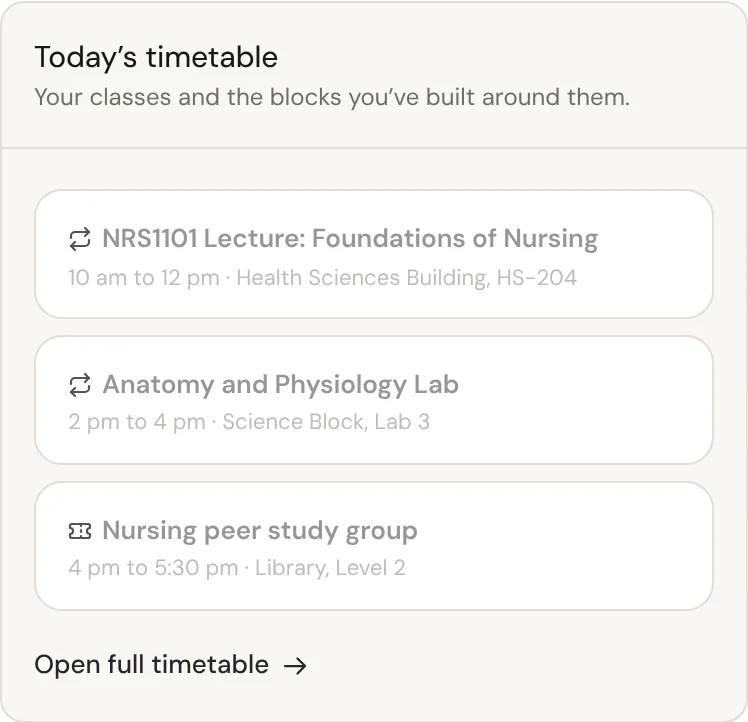
Student workspace and timetable
A private place to plan the term: tasks, notes and a timetable of classes and events.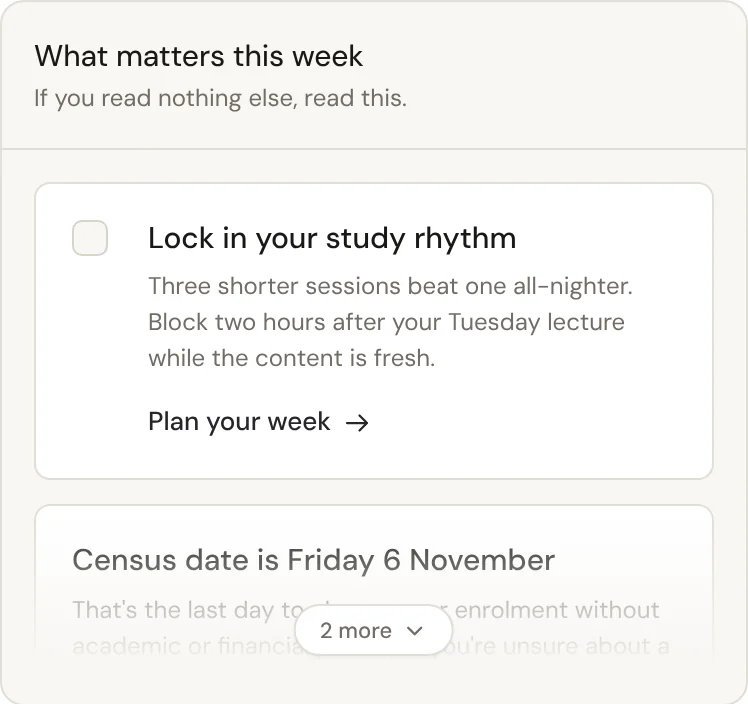
The First Six app
The student web app works in any phone browser, and a native app can be part of your rollout.For staff
One console to see how students are going, reach the ones who need a hand, and write the weeks with less effort.
See how your students are going, from what they choose to tell you.
Cohort insightsReach the students who never raise their hand, and keep the trust that makes them answer honestly.
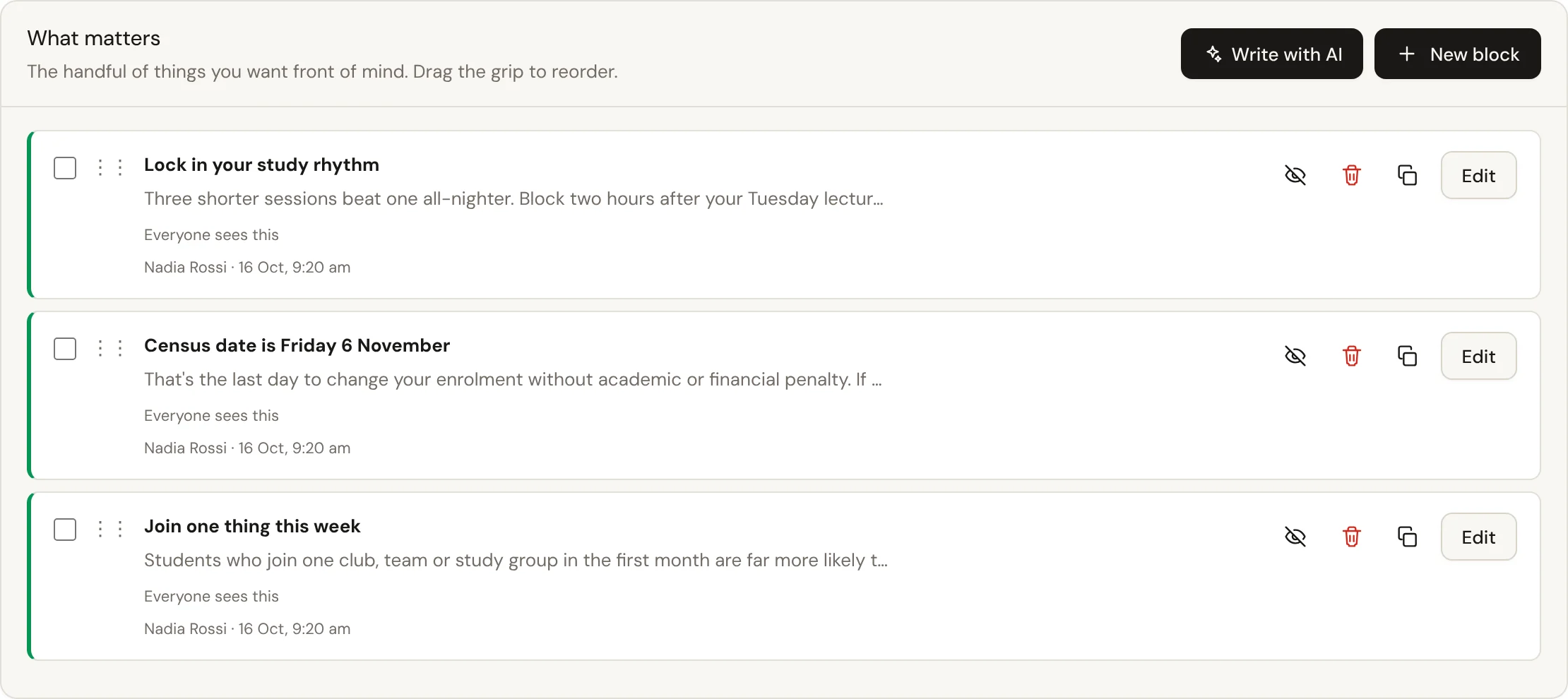
Proactive supportAI that drafts weekly content, events and resources for your staff to check and publish. The student app has no AI.
Writing assistantConnect the AI assistant your staff already use, within limits you set.
AI assistant connectors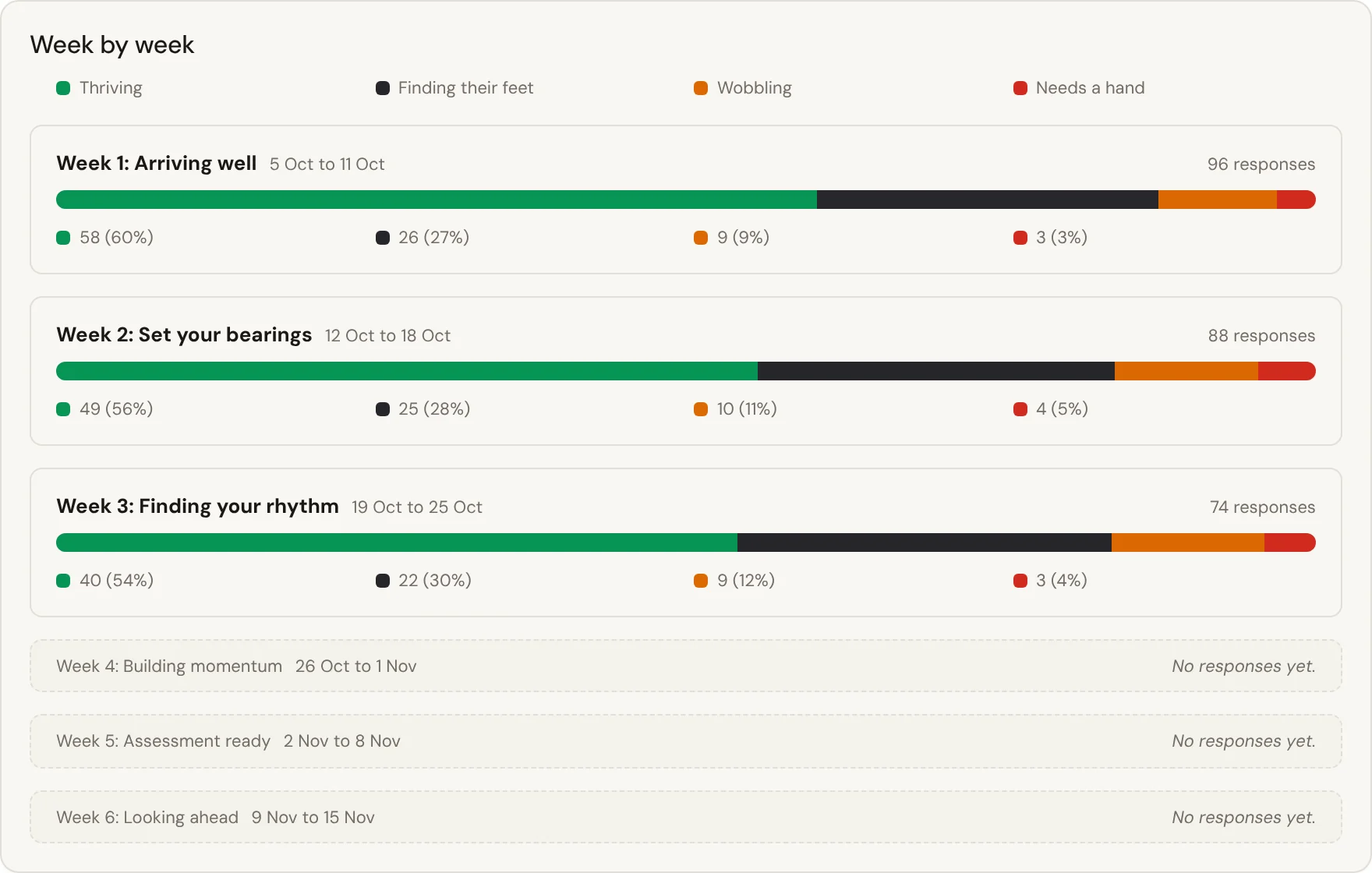
Platform and rollout
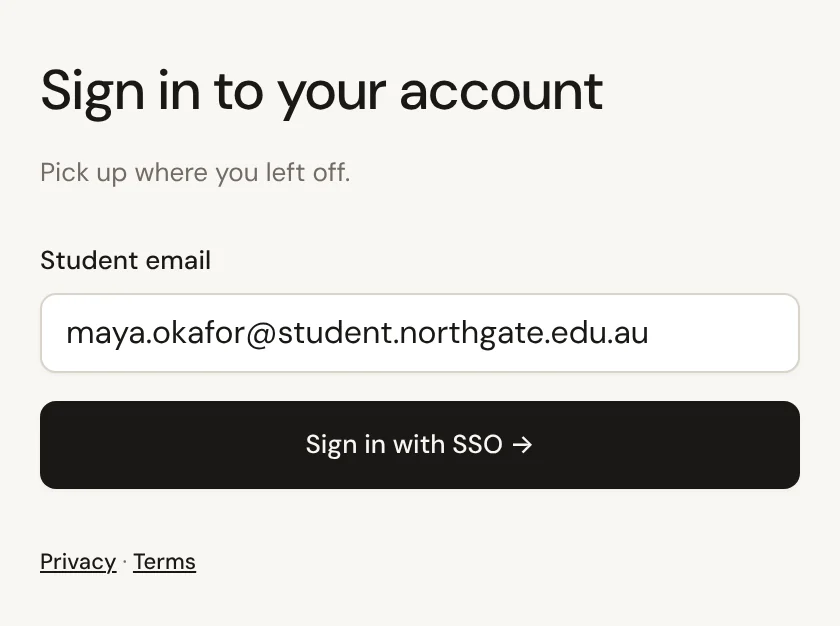
Your brand, your sign-in and your student system, set up around how your university already runs, from before day one to after the first weeks.
- PlatformWhat new students need, in one place under your university's name.
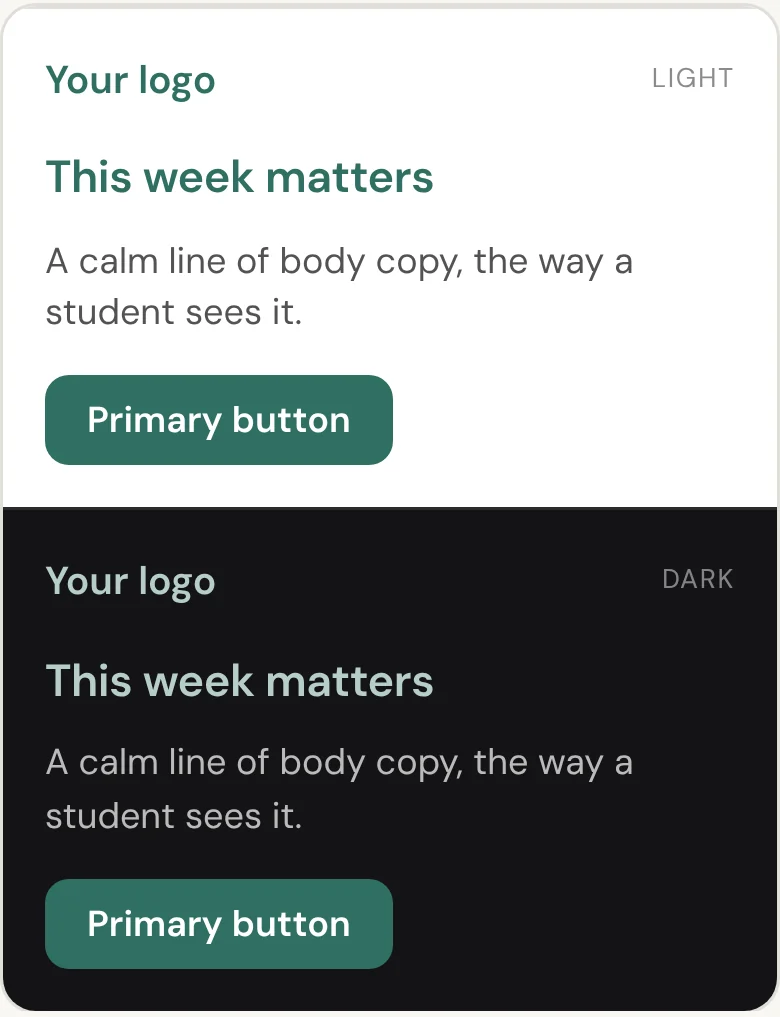
- Branding and white-labelYour colours, your logo, your voice. Students see their university.
- Before and after the first weeksFirst Six meets students before they arrive and stays after the guided weeks.
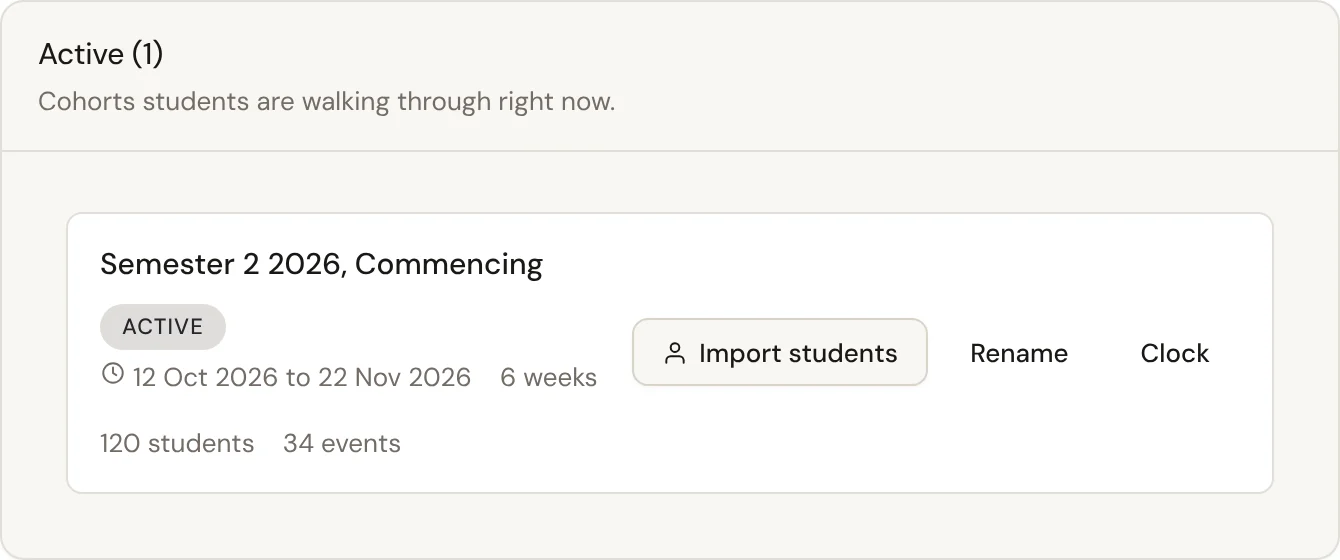
- Rolling and staggered intakesMid-year, monthly, pathway or rolling admissions: each student's first weeks run from their own start date.
- SIS integrationsYour SIS stays the source of truth. A CSV or a push keeps rosters and enrolments current.
See it with your own students
A short conversation with our team, then a live walk through the student app and the staff console.