Branding and white-label
Your logo, colours and voice across the student app and the staff console.
- Identity
- Your brand
- Sign-in
- Your SSO
- Hosting
- Australia
- Isolation
- Per tenant
Your university on every screen
Students see their university on every screen after they sign in, right down to your own crisis resources.
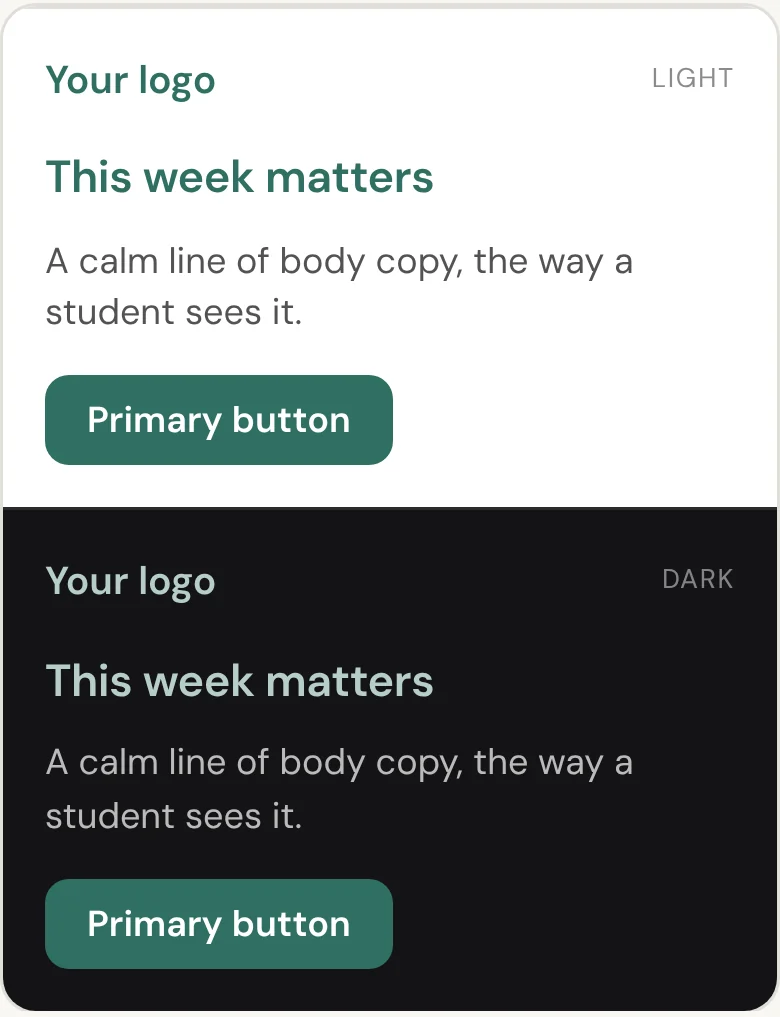
Students and staff see your name, logo, accent colour and font, applied the moment they sign in through your single sign-on. Colour, logo and tab icon are self-serve in the console. Fonts, crisis resources and sign-in are set with us at onboarding, and a dedicated subdomain can be built as part of setup. What the brand configuration covers.
Yours from the first screen
Your brand, your identity provider, your audiences.
Set your accent colour, logo and tab icon in the console, and both apps re-theme in light and dark mode.
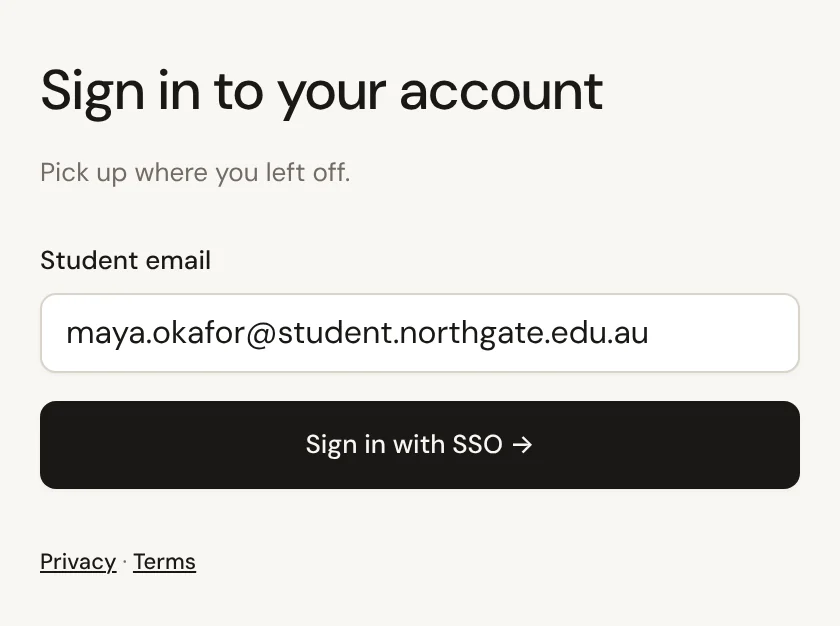
Students sign in with single sign-on through your existing identity provider, so there is no new password.
Campus and program come with your roster, and you add tags for other groups.
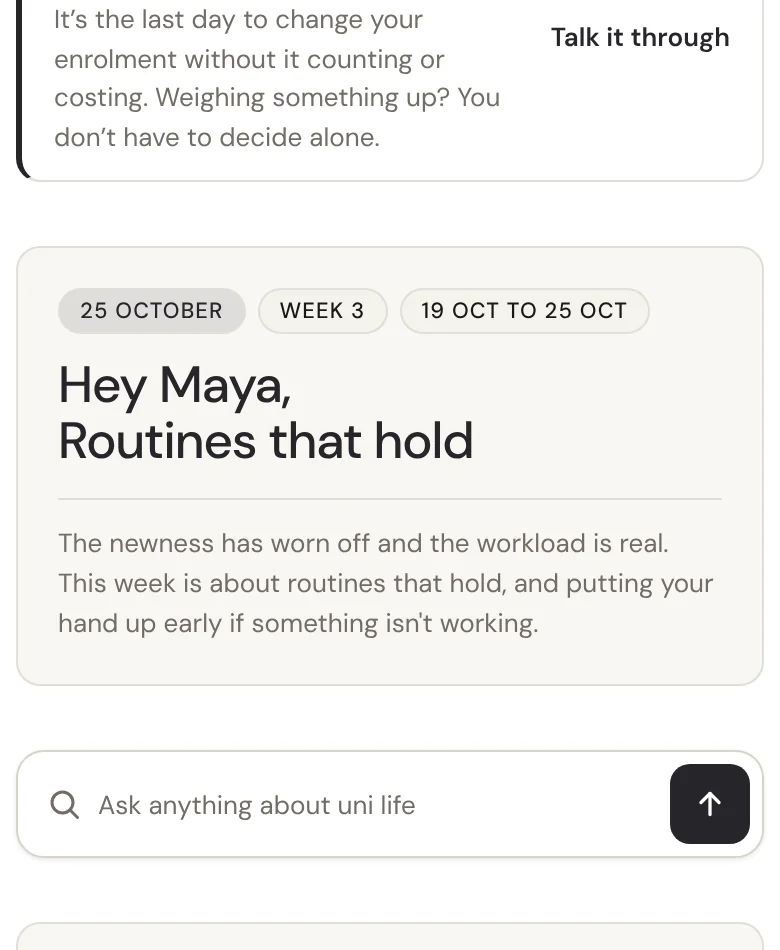
Your identity carries across the student app and the staff console.
How student data is looked after

Seen by the staff who support them
Support staff can open a student's check-in answers to reach out. Every look is audit-logged.
Every look is recorded
Each time a staff member opens a student's record, it is written to a tamper-resistant audit log.
Never sold or mined
We do not sell or mine student data. Every subprocessor is disclosed, and the data of record is hosted in Australia.
Wellbeing figures stay with your team
Only staff with the insights permission see wellbeing figures, for the students they support. Nobody outside your team does, First Six included.
Fits what you already run
Your sign-in, no new passwords
Students and staff sign in with your identity provider over OpenID Connect, including Microsoft Entra ID. There is no new password.
Rosters that stay current
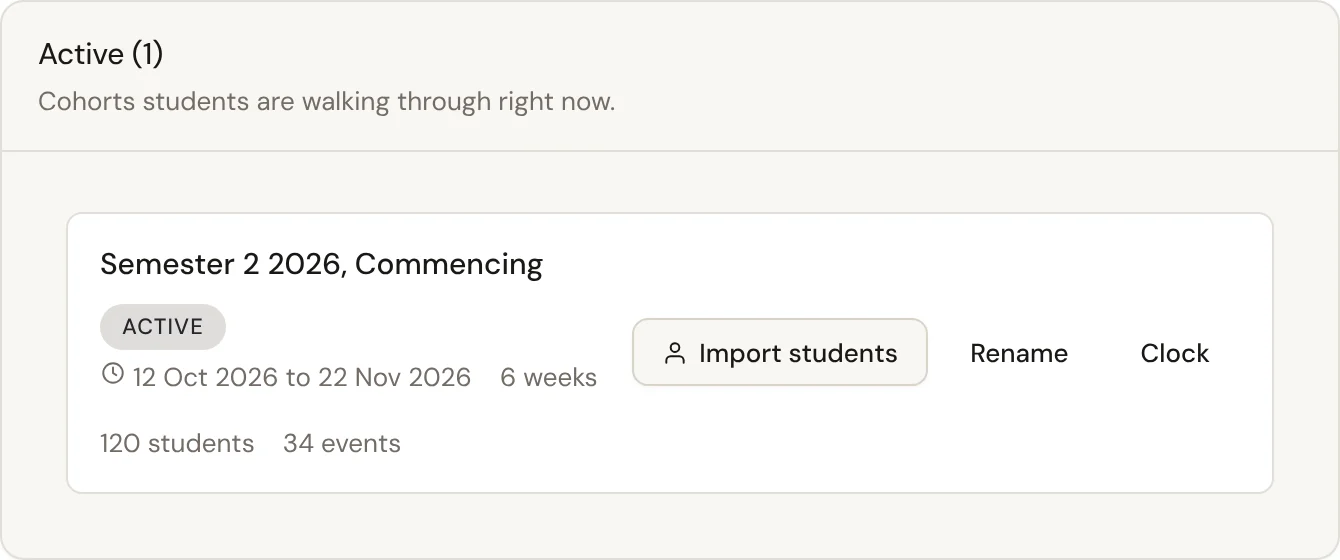
Import a roster CSV with no IT work, or push rosters and enrolments over HTTPS from any SIS.
Their own calendar
An iCal feed puts it into Apple, Google or Outlook and keeps itself up to date.
FAQs
Can't see your question? Ask us and we'll reply.
Will students know it is a third-party product?
It is presented in your university's branding and reached through your own sign-in, so it reads as part of your university.
Which single sign-on providers are supported?
OpenID Connect, with a documented walkthrough for Microsoft Entra ID, and other OIDC providers. Multi-factor authentication follows your identity provider.
Can we use our own domain?
Not as a switch. Everyone uses the shared addresses, branded at sign-in. A dedicated subdomain like riverton.firstsix.com.au can be built during setup.
How long does branding setup take?
Minutes for colour, logo and tab icon, which are self-serve and re-theme both apps on save. Fonts, crisis copy and sign-in are set during onboarding.
Is our data kept separate from other institutions?
Yes. Every institution's data is isolated in the database by row-level security, as well as by the app's own checks.
See it in your colours
Ask for a branded walkthrough configured to your institution.